SirRouzel
-
Posts
210 -
Joined
-
Last visited
Recent Profile Visitors





-

blazblue BlazBlue: Central Fiction [RIP PROGRESS]
SirRouzel replied to SirRouzel's topic in Zepp Museum
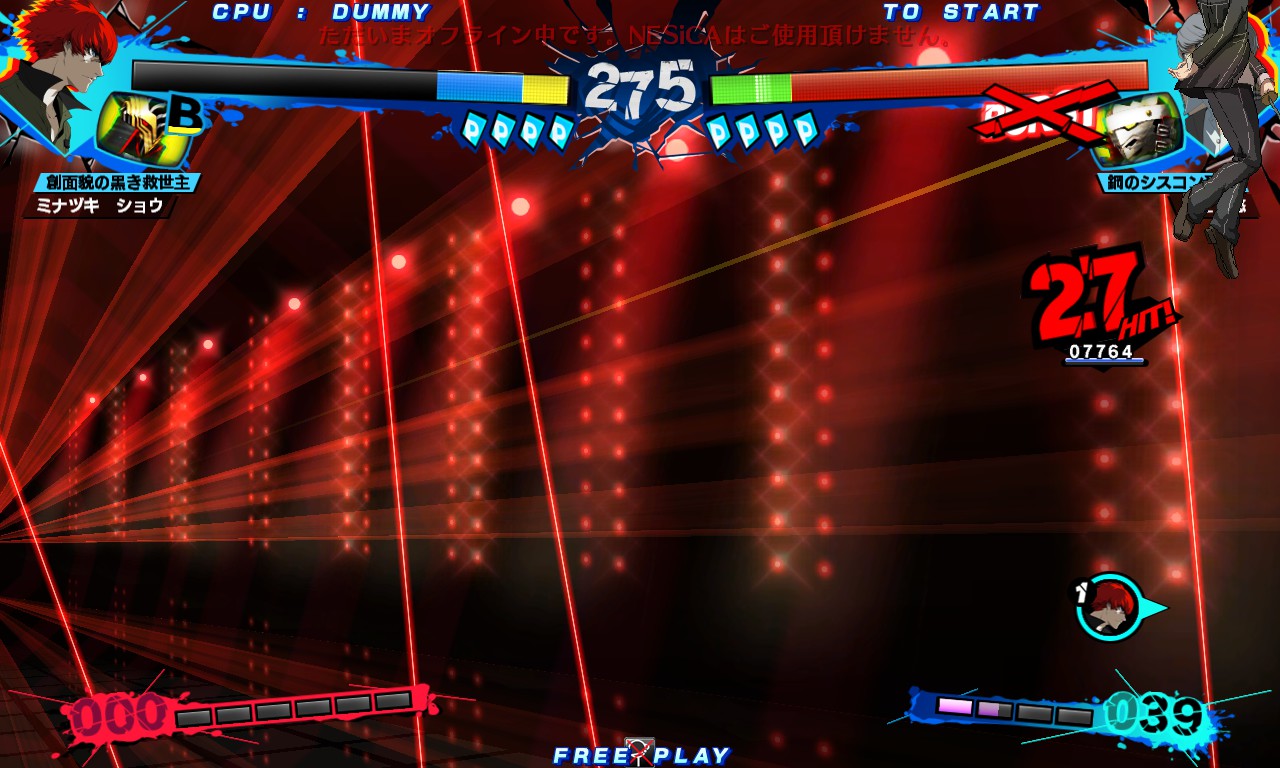
Ahh...! Perhaps you are Talking about These ones?: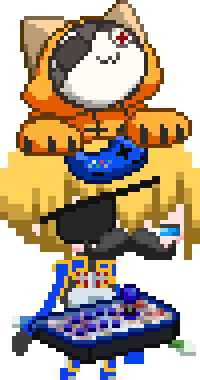
-
blazblue BlazBlue: Central Fiction [RIP PROGRESS]
SirRouzel replied to SirRouzel's topic in Zepp Museum
Wow, i just Realized about this Message...! Sorry for Taking a while to give an Answer! As for the Arcade Mode Sprites... They are Up. OP UPDATED WITH THE DL LINK -
blazblue BlazBlue: Central Fiction [RIP PROGRESS]
SirRouzel replied to SirRouzel's topic in Zepp Museum
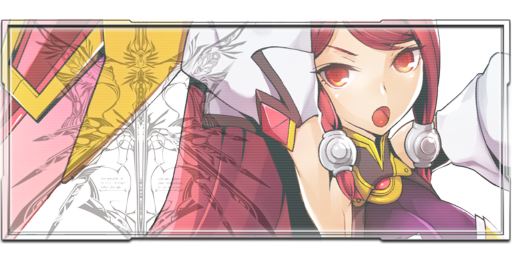
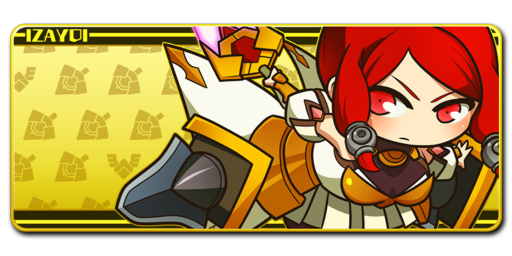
Not sure Which one do you want, so... Here is All of them: ( Note: 719_plt_iz doesn't have Higher Resolution & flame_119_00/01 doesn't have the Background from 819_plt_iz on Higher Resolution )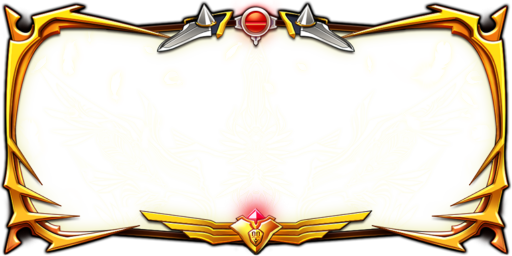



-
blazblue BlazBlue: Central Fiction [RIP PROGRESS]
SirRouzel replied to SirRouzel's topic in Zepp Museum
STORY MODE UPLOADED! You can Either go to OP for the DL Link or Click Here to Download it instead~ P.S: In case i Missed a few things from Story Mode and you Noticed... Please, Let me know, so i can Add those to the Pack! -
blazblue BlazBlue: Central Fiction [RIP PROGRESS]
SirRouzel replied to SirRouzel's topic in Zepp Museum
Oh! That would be Great & Very Helpful for those who Want it the Easy way~ Btw, don't worry about the png's/Manual version of it! I'm currently Uploading Story Mode Files on MEGA! (1.17 GB) it's gonna take a while but... Eh, as long this Worth it for the People who has been waiting Years for it, ahah~ -
blazblue BlazBlue: Central Fiction [RIP PROGRESS]
SirRouzel replied to SirRouzel's topic in Zepp Museum
.png.a91739f9caf749e43e7fca045abebdb8.png)
-
blazblue BlazBlue: Central Fiction [RIP PROGRESS]
SirRouzel replied to SirRouzel's topic in Zepp Museum
Oh, actually... There's an Addon for GIMP that let's you open .act files. But...! Since i've never used GIMP in my life, not sure how it will work with it. -
blazblue BlazBlue: Central Fiction [RIP PROGRESS]
SirRouzel replied to SirRouzel's topic in Zepp Museum
Huh, i thought it was gonna Take More time... Guess i was Wrong. Oh well! Here you go~ Persona... Good taste my Friend~ You can as @ReRe01 for the Portable Version of Photoshop if you need it (Originally, PS is a Paid program but you know... YARR HARR & [PIRATE INTENSIFIES]) I leaved a Tutorial of How to Make the Palette Working on Photoshop in case you go for it! or you can get GIMP since it's a Free Software~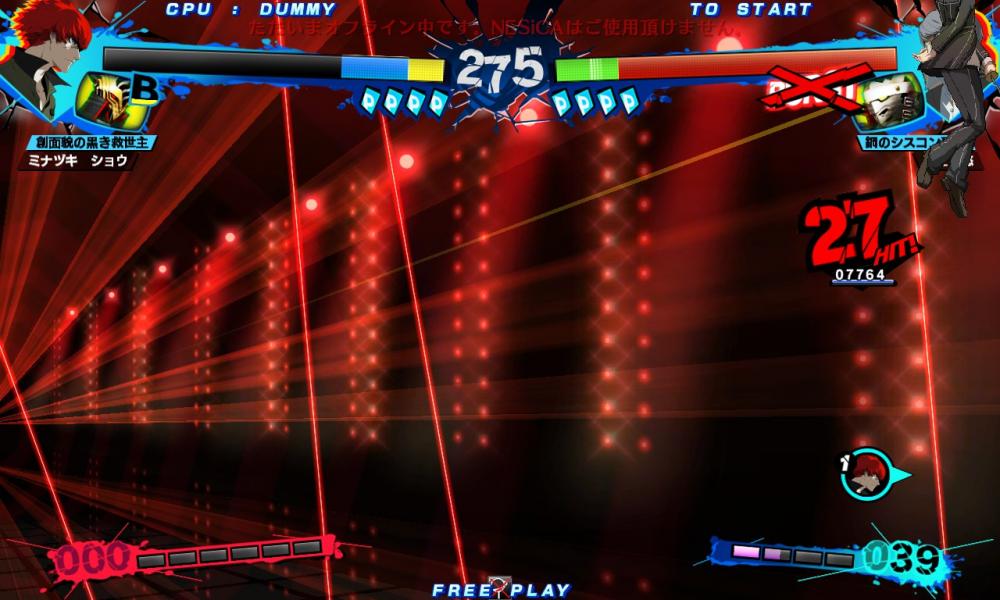
-
blazblue BlazBlue: Central Fiction [RIP PROGRESS]
SirRouzel replied to SirRouzel's topic in Zepp Museum
I can do it Today, it might take between 2-3 hours max! -
blazblue BlazBlue: Central Fiction [RIP PROGRESS]
SirRouzel replied to SirRouzel's topic in Zepp Museum
*Sigh* ...Because some People like to Do it by Their own, Adding the color Manually (Either Default or their Favorite one) & I'm Not really gonna Waste a Bunch of Space on Size just to Make Everyone Again but with a Different Color. Just Saying... -
blazblue BlazBlue: Central Fiction [RIP PROGRESS]
SirRouzel replied to SirRouzel's topic in Zepp Museum
...That's why i mentioned GIMP as well... It's a Free Software after all and there's an Addon to Enable .act (Photoshop Palette) Files in them. Now, i Don't know how to use GIMP or have the Addon for it. So, please don't ask me for it or a Tutorial about it... Try asking someone else that uses GIMP & have done it with BB Sprites. Sorry for the Trouble. -
blazblue BlazBlue: Central Fiction [RIP PROGRESS]
SirRouzel replied to SirRouzel's topic in Zepp Museum
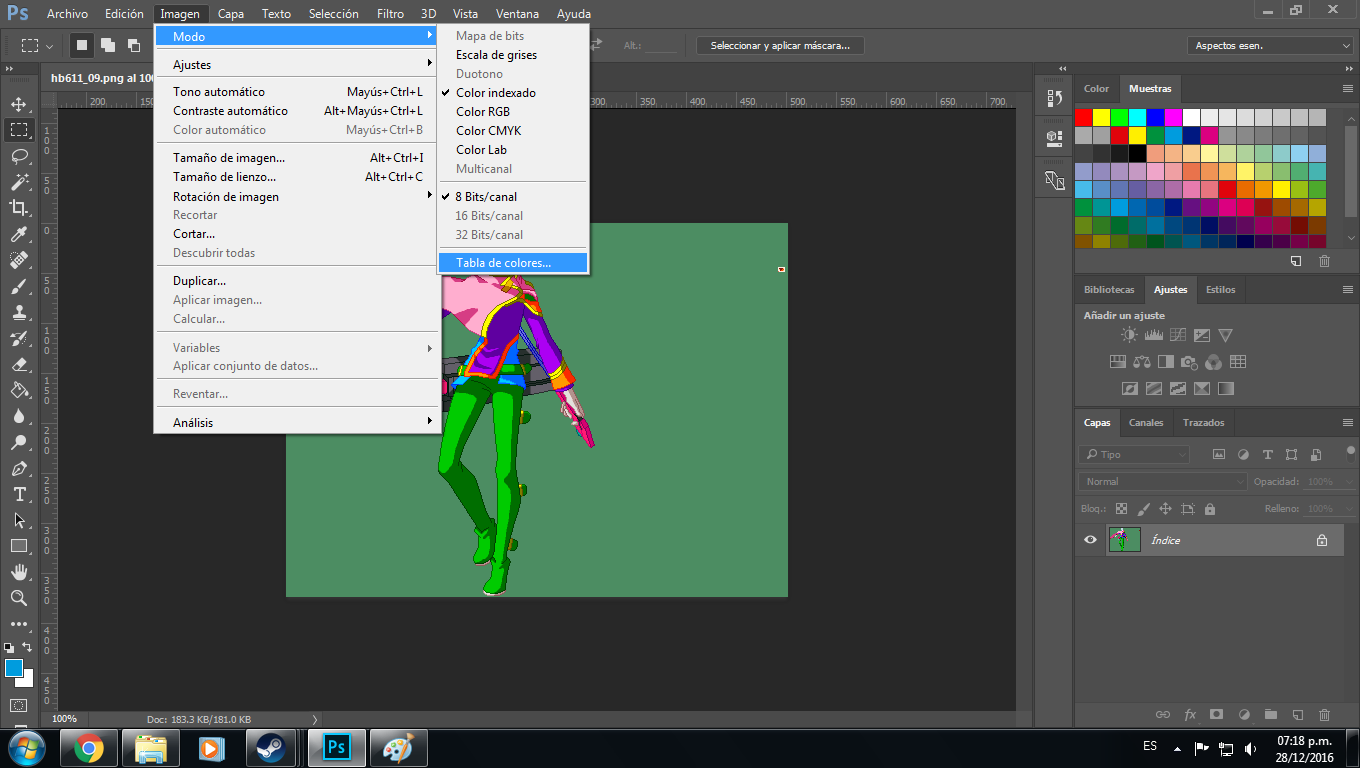
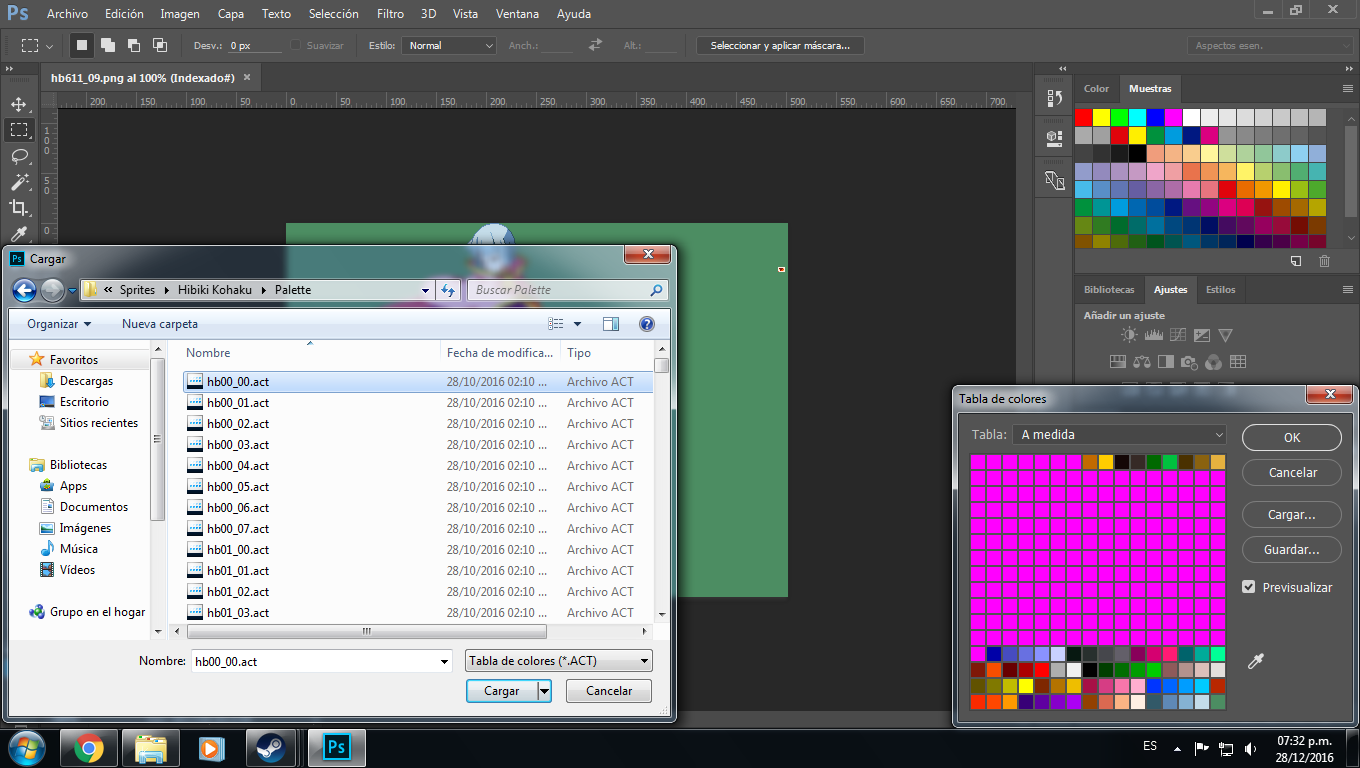
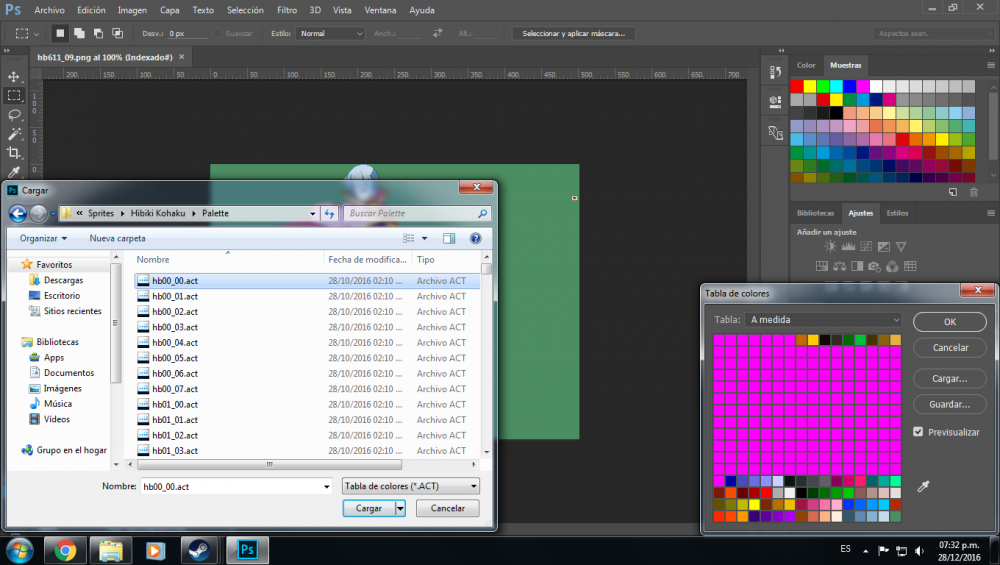
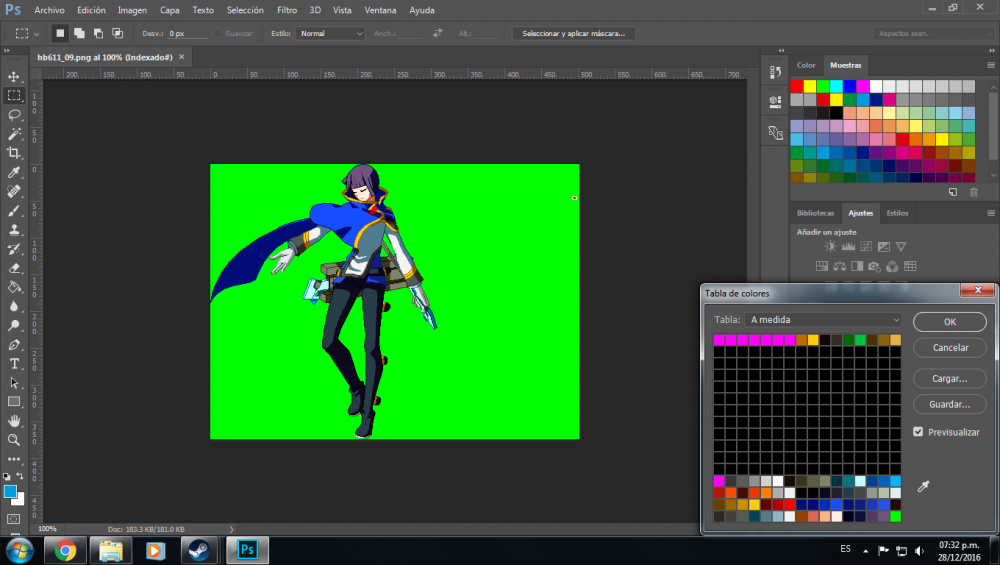
Ahh... That. For a Second i really Thought that i Fcked up at something on the Sprites conversion~ I leaved the Sprite like that, since that's their Default Palette (As in: Nothing applied to them). The Sprites/Images are Indexed, which means you can apply Color Palettes to them with Photoshop & GIMP (?) if you want to know How to Apply a Color Palette to the Sprite, just Open the Sprite with Photoshop. Go to Image Tab > Mode > Color Table A New Window will Pop up, just Click on Load & Pick the .act File that you want! (0X_00 - Character Palettes) (0X_01 - Effect Palettes) (0X_02 to 07 - Misc Palettes for Non Character/Effect Sprites) If you have Done everything Right... You should see it like this: Hopefull it Helps!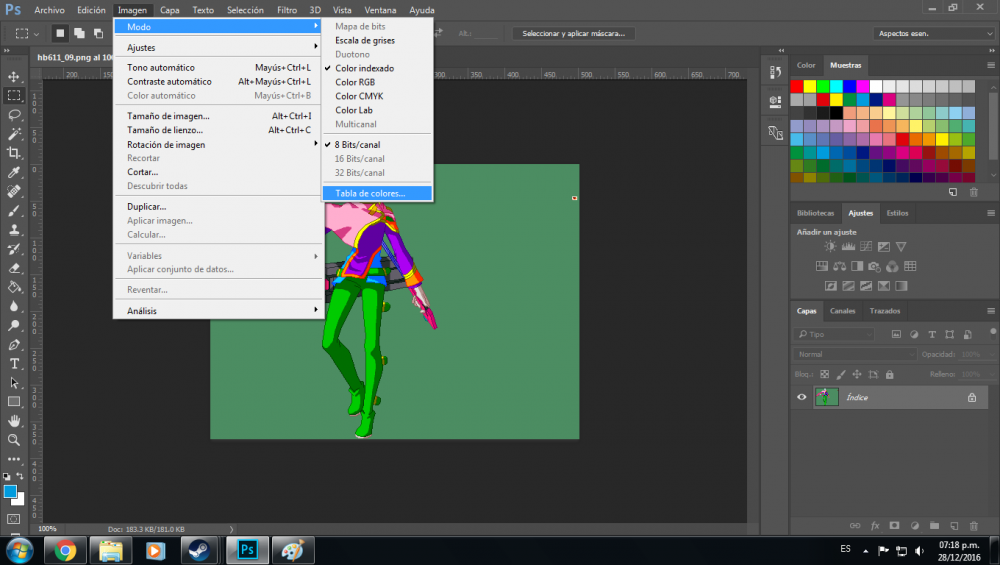
-
blazblue BlazBlue: Central Fiction [RIP PROGRESS]
SirRouzel replied to SirRouzel's topic in Zepp Museum
What do you mean? Is it possible that you can Post a Screenshot? There shouldn't be any problems with it, but still... I'll take a look on it. Also, which Palette are you Opening on the Character? Since there's a lot of Them but Some are for Effects, others for Sprites, others for Misc, etc. -
blazblue BlazBlue: Central Fiction [RIP PROGRESS]
SirRouzel replied to SirRouzel's topic in Zepp Museum
OP UPDATED WITH SPRITES & ARCADE EVENT (AUDIO) FILES. MAKE SURE TO READ THE IMPORTANT NOTE ON SPRITES, THANK YOU~ -
blazblue BlazBlue: Central Fiction [RIP PROGRESS]
SirRouzel replied to SirRouzel's topic in Zepp Museum
Right now, i Removed them from Dustloop to Focus with CF Rips. (I have Planned to Add them Back once i'm Done with Most or the Whole CF Stuff) Don't worry! I Still have them on my MEGA Account & mostly Share them whenever people Need Anything from CP/CP:EX Rips~ Ah... I'm afraid to Tell you that i Can't get those Sprites working yet. I tried my Same Method as i did with CF Sprites to Try to get the CP:EX Ms. Litchi Sprites, but Didn't worked at all. I will Try another Stuff in my hand & see if i can get something out of it~ Whenever i have Time to Continue with the Rips, i've been a Busy lately with other Important IRL Stuff. So, try to hold it for a bit and i'll make sure to bring it as soon as possible!