Johhny
-
Posts
10 -
Joined
-
Last visited
Content Type
Profiles
Forums
Articles
Events
Everything posted by Johhny
-
Did a little more experimenting and you can get even better results with 632146 DD.
-
I don't know if this is common knowledge, or if this is shared somewhere else, but I found that you can bring out Hazama's super command grab really easily thanks to the games input leniency. Doing 61234D and then quickly inputting 6D will cause him to do the super.
-
Some of these changes are copied over from https://docs.google.com/document/d/1sQpDd_HQRLYoVE5pLHDhvKcUzMjdbJtKajc-mV8J_1U/mobilebasic, while others are my own shoddy attempt. * Aerial D moves: goes into "long-range" version faster * Drive~A followup: total recovery reduced when used after aerial D moves * Drive~B followup: projectile invul added while in movement * Throw: opponent blows away less on successful throw * 214B: active frames increased; follow-ups can be done faster (doesn't change anything on hit, but reduces the gap on block) * 214D~B: landing recovery decreased * 623D: active frames increased * 236236B: faster start-up * OD632146C: Bug fix where you it wouldn't count as an overdrive finish Thoughts/opinions? Personally, since it doesn't look like we're getting invincibility for 236236B back, I hope it becomes a 4+0 move at the least, but I'm fine if it's just a 3+1 deal. Edit: fixed OD632146C change
-
blazblue BlazBlue: Central Fiction [RIP PROGRESS]
Johhny replied to SirRouzel's topic in Zepp Museum
There should be a "Layers" window that shows each new image that gets added to the project. There should be "Add Alpha Channel" option. click it, and then you can adjust transparency with the opacity slider. -
blazblue BlazBlue: Central Fiction [RIP PROGRESS]
Johhny replied to SirRouzel's topic in Zepp Museum
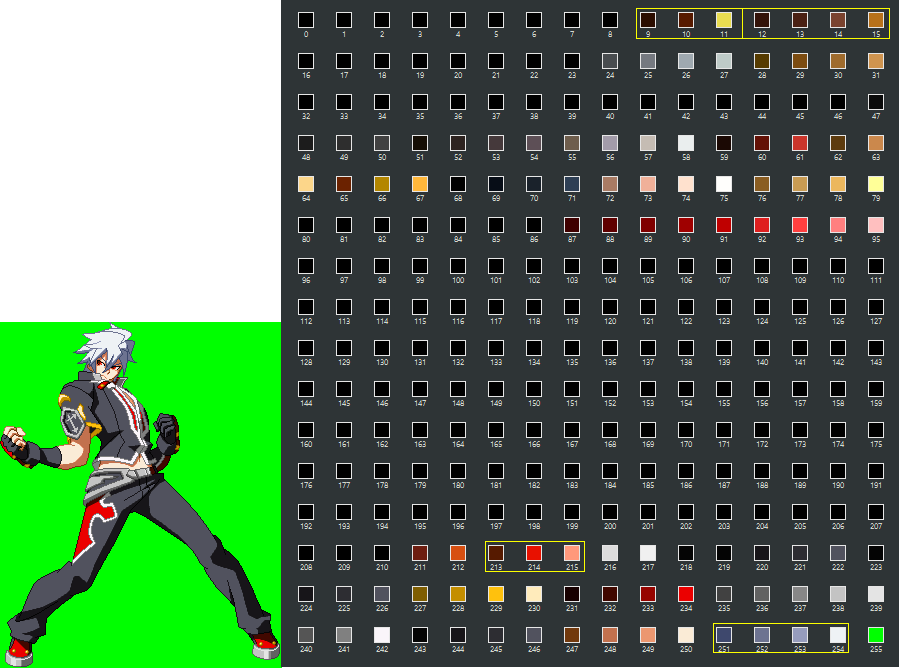
Naoto's white hair and red eyes are in his default palette, you just need to find the correct ones and rearrange the colors in the palette. This can be done by selecting the sprite background, clicking on the Colors tab, going to map, and hitting Rearrange Colormap in Gimp (couldn't tell you what to do for Photoshop).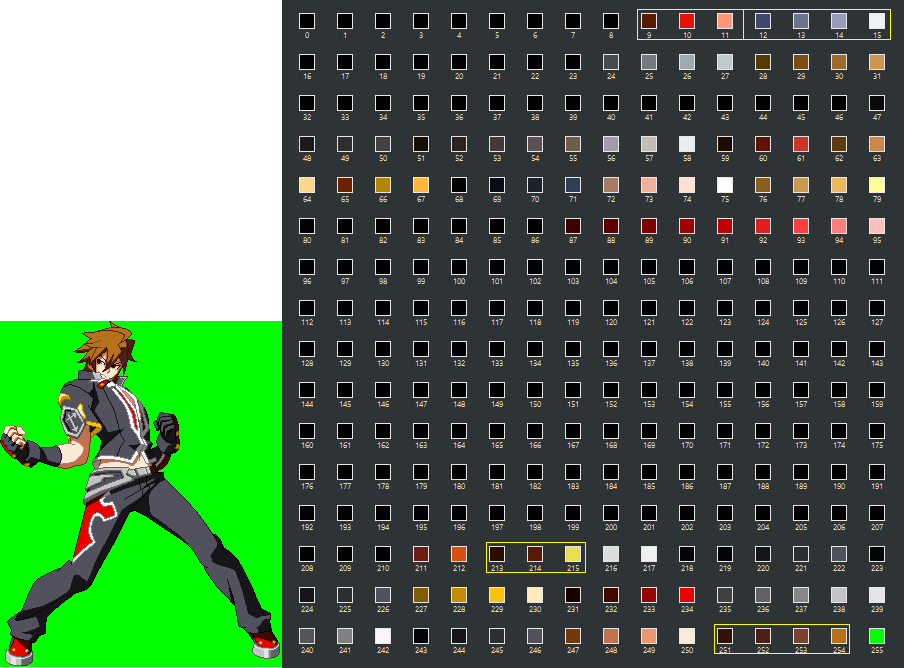
-
So it does. didn't know it could do that.
-
Ah. Can't really do that, unless there would be some way to put his old one into rev2. I could do his instant kill since it has the same animation, but it wouldn't have the teleport.
-
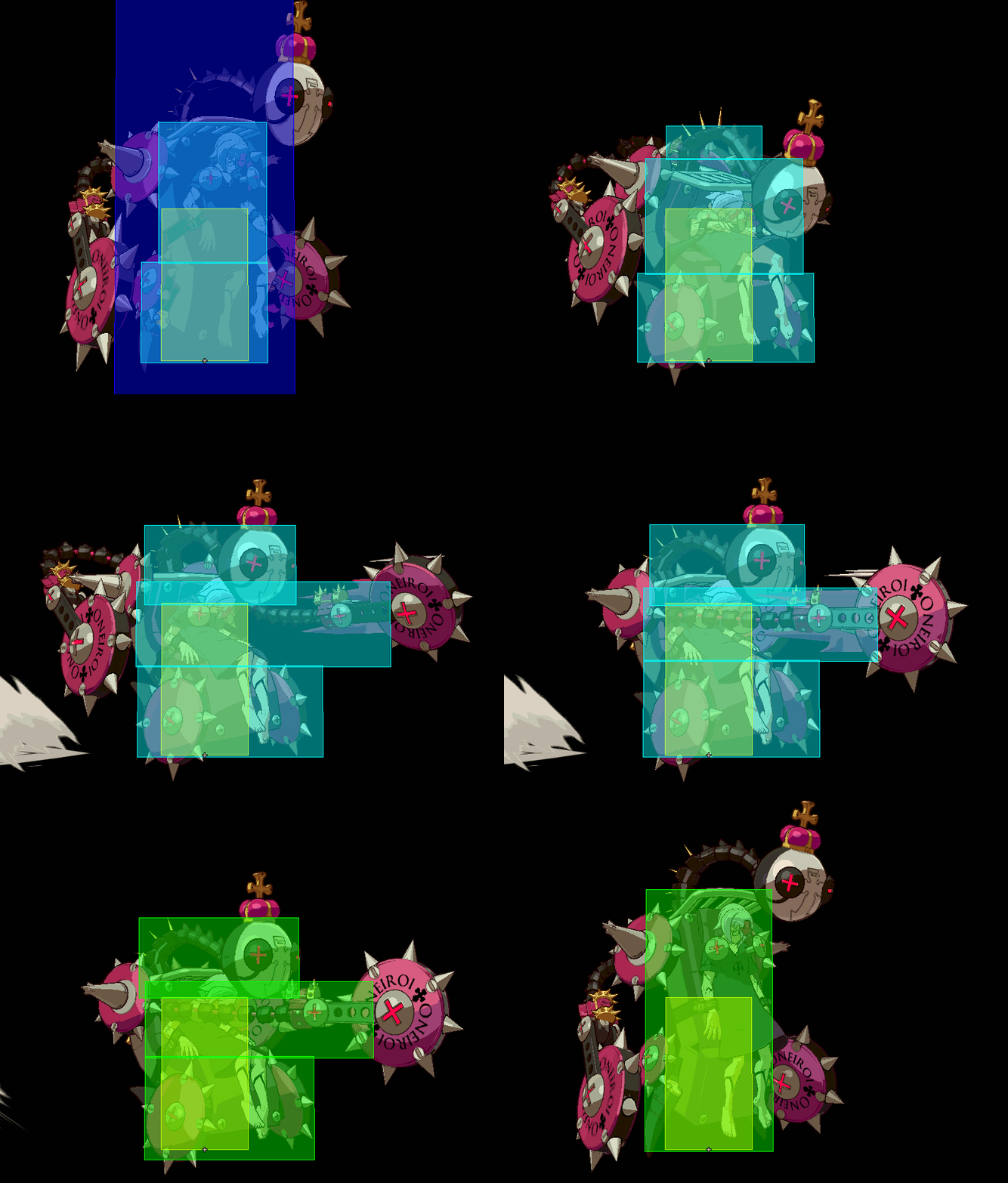
Made one. Sorry if it looks a bit small, I had to turn the resolution down to capture it correctly.
-
blazblue BlazBlue: Central Fiction [RIP PROGRESS]
Johhny replied to SirRouzel's topic in Zepp Museum
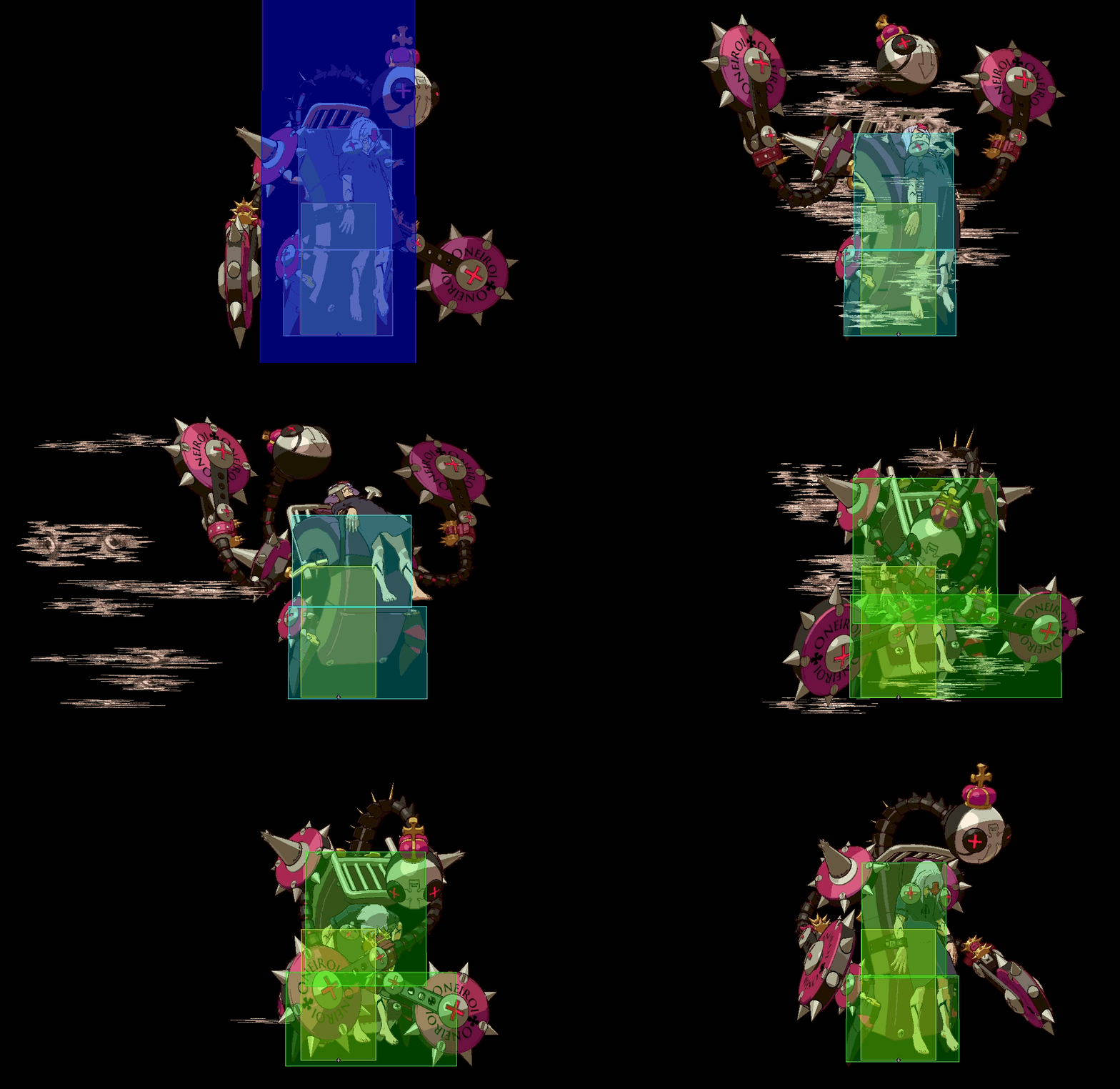
Thanks for all of the hard work fellas. Just put new Izanami images on the wiki. I noticed that I can't find Nine's effects for her normals anywhere. Are these seperated game effects or have they just not been ripped yet?